Website hosting is a service that provides the server infrastructure and storage needed to make your website accessible on the internet. When someone types your domain into a browser, their request is routed to your hosting server, which delivers the website's files back to them. Without a hosting plan, your website has nowhere to live.
How does website hosting work?
A web server is a computer that is permanently connected to the internet and configured to respond to requests for web pages. When you purchase hosting, you are renting space on one of these servers. Your website's files, databases, and email data are stored on the server.
When a visitor navigates to your website, their browser sends a request to your server via your domain name, and the server sends back the relevant files for the browser to render as a page. The speed and reliability of this process depends on the quality of your hosting plan and the server's location relative to your visitors.
What are the main types of web hosting?
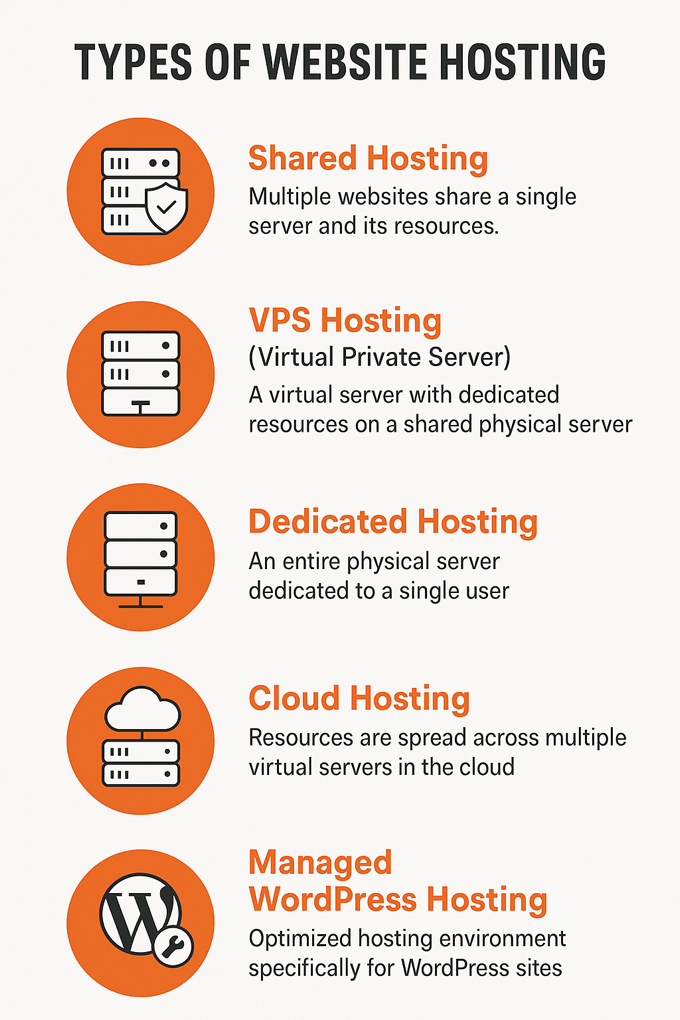
| Hosting type | How it works | Best for |
|---|---|---|
| Shared hosting | Your website shares a server with many other websites | Small websites with low traffic |
| VPS (Virtual Private Server) | A dedicated portion of a physical server is allocated to your site | Growing websites needing more control and resources |
| Dedicated server | You have an entire physical server to yourself | High-traffic sites with specific performance requirements |
| Cloud hosting | Resources are distributed across a network of servers and scale automatically | Sites with variable traffic or high reliability requirements |
| Managed WordPress hosting | Hosting configured and optimised specifically for WordPress | WordPress sites where server management is handled by the provider |
Does hosting location affect website speed?
Yes, significantly. Data takes time to travel between the server and the visitor's device, and the further apart they are, the longer this takes. A website hosted on a server in the United States will load more slowly for visitors in Thailand than one hosted on a server in Singapore or Bangkok. For businesses targeting Thai audiences, choosing a hosting provider with data centres in Southeast Asia, or using a CDN to cache content closer to local visitors, can make a meaningful difference to page load times.
What should I look for when choosing a hosting provider?
The most important factors to evaluate are uptime reliability (look for providers guaranteeing 99.9% uptime or higher), server location relative to your primary audience, the level of technical support offered, security features such as SSL certificates and automatic backups, and the scalability of the plan as your website grows. For WordPress sites, managed WordPress hosting from providers such as WP Engine or Kinsta is often worth the higher cost because server configuration, updates, and backups are handled for you.