Website speed directly affects user experience, conversion rates, and SEO rankings. A slow website loses visitors before they see your content and signals to Google that the page experience is poor. Improving speed is one of the highest-return technical improvements most websites can make. This guide explains why speed matters and walks through the main steps to improve it.
Why does website speed matter?
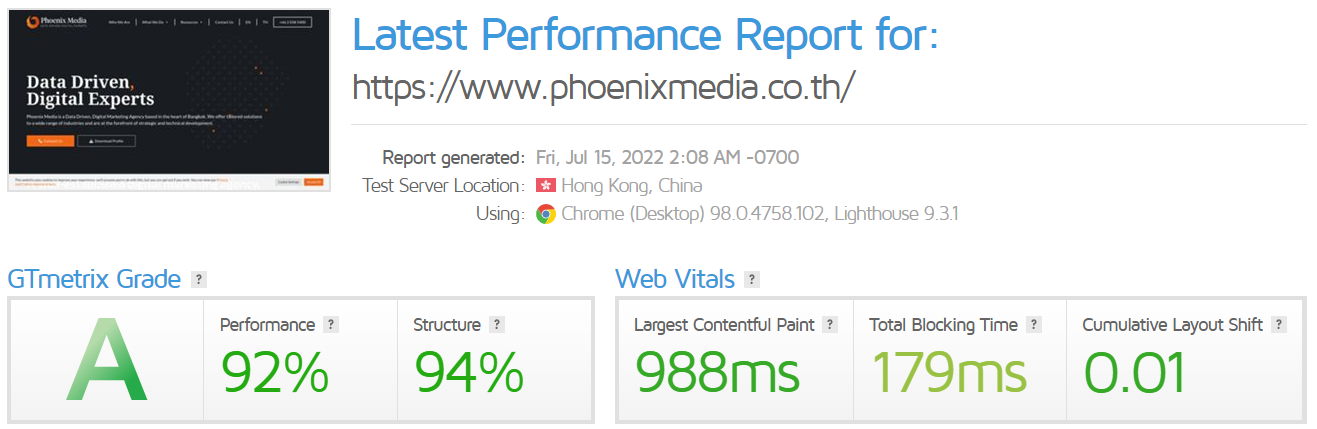
Google uses page speed as a ranking signal, specifically through its Core Web Vitals metrics: Largest Contentful Paint (LCP), Interaction to Next Paint (INP), and Cumulative Layout Shift (CLS). Pages that perform poorly on these metrics can rank lower in search results, regardless of content quality. Beyond SEO, slow pages cause visitors to leave before the page finishes loading. Studies consistently show that each additional second of load time increases bounce rates and reduces conversion rates, particularly on mobile devices.
How do you measure your website's current speed?
- Go to PageSpeed Insights (pagespeed.web.dev) and enter your website URL. This tool is provided by Google and gives you a performance score and breakdown of your Core Web Vitals for both mobile and desktop.
- Review the Diagnostics and Opportunities sections for specific recommendations. These are listed in order of potential impact and explain what is slowing the page down.
- Note your current LCP, INP, and CLS scores as a baseline so you can measure improvement after making changes.
What are the most effective ways to improve website speed?
The improvements that deliver the greatest speed gains for most websites are:
- Optimise images: compress images before uploading and use modern formats such as WebP. Unoptimised images are the single most common cause of slow load times
- Enable caching: configure browser caching so that returning visitors load pages faster by reusing previously downloaded assets
- Use a CDN: a Content Delivery Network serves your static files from servers close to the visitor, reducing latency
- Minify CSS, JavaScript, and HTML: removing unnecessary characters from code files reduces their size and speeds up loading
- Reduce the number of plugins and scripts: each additional script or plugin adds load time, particularly on WordPress sites
- Upgrade your hosting: shared hosting plans with limited resources can cause slow server response times; moving to a better plan or provider often produces immediate improvement
How do you check speed improvements after making changes?
After implementing changes, run PageSpeed Insights again and compare your new scores against the baseline you recorded. Be aware that scores can vary between tests due to server load and network conditions, so run two or three tests and average the results. For ongoing monitoring, Google Search Console's Core Web Vitals report shows real-world performance data from actual visitors over time, which is more representative than lab-based tool scores.
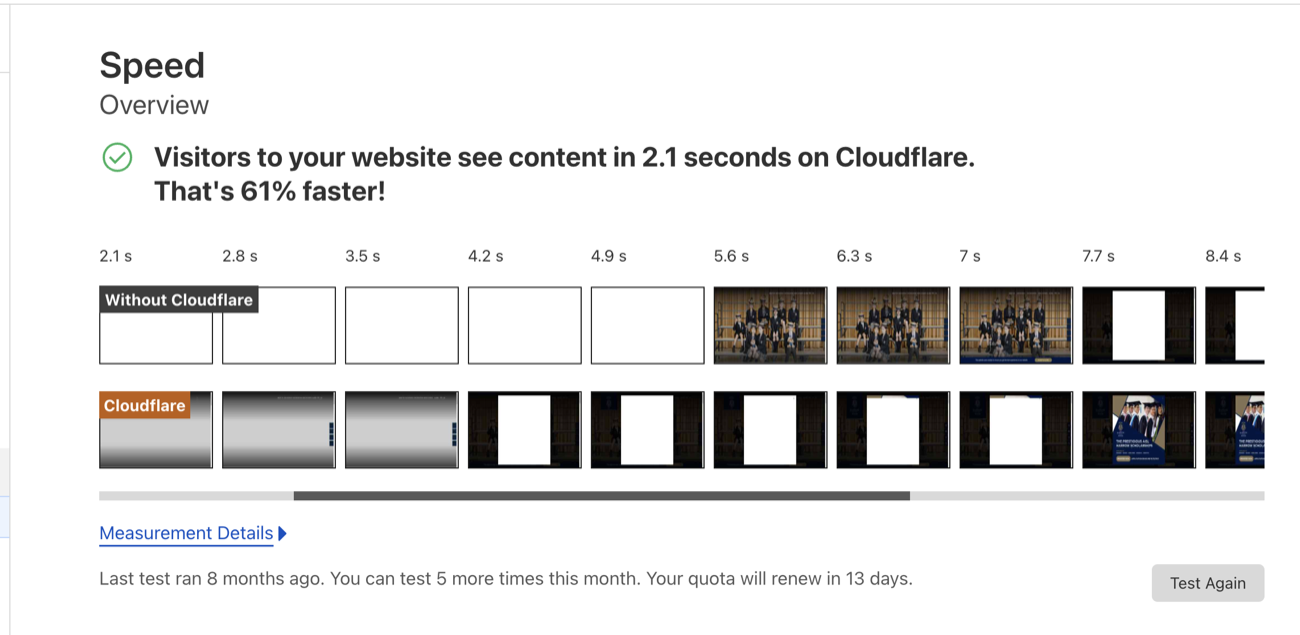
Speed is not a one-off fix: updates, image audits and plugin housekeeping are ongoing jobs, typically handled as part of website maintenance.