ChatGPT Ads began rolling out in Thailand on 23 September 2026, as part of a seven-market expansion across Asia announced by OpenAI. To run them, a business registered in Thailand signs up at ads.openai.com, passes verification, adds a company credit card, then builds a campaign, ad groups and ads.
Two things catch Thai advertisers out. The account’s country, currency and time zone are locked in permanently at sign-up. And several of Thailand’s biggest ad categories, including clinics and finance, can’t advertise yet, while property ads can’t feature specific listings.
Who can run ChatGPT Ads in Thailand?
Any eligible business whose legal entity is based in Thailand. Self-serve access to ChatGPT advertising depends on where the entity that advertises and gets billed is based, and Thailand is marked as available on OpenAI’s Ads Manager availability list.
The audience is narrower than ChatGPT’s total user base. Ads only appear for people on the Free and Go plans. Plus, Pro, Business, Enterprise and Edu users never see them, and accounts identified as belonging to under-18s are excluded, according to OpenAI’s ads FAQ.
What do you need before you start?
Have these ready before you open the sign-up page:
- Business details: your registered business name, website, logo and industry.
- One account owner: only one person should create the advertiser account. They invite everyone else afterwards.
- A company credit card for billing.
- Landing pages that OpenAI can crawl (more on this below).
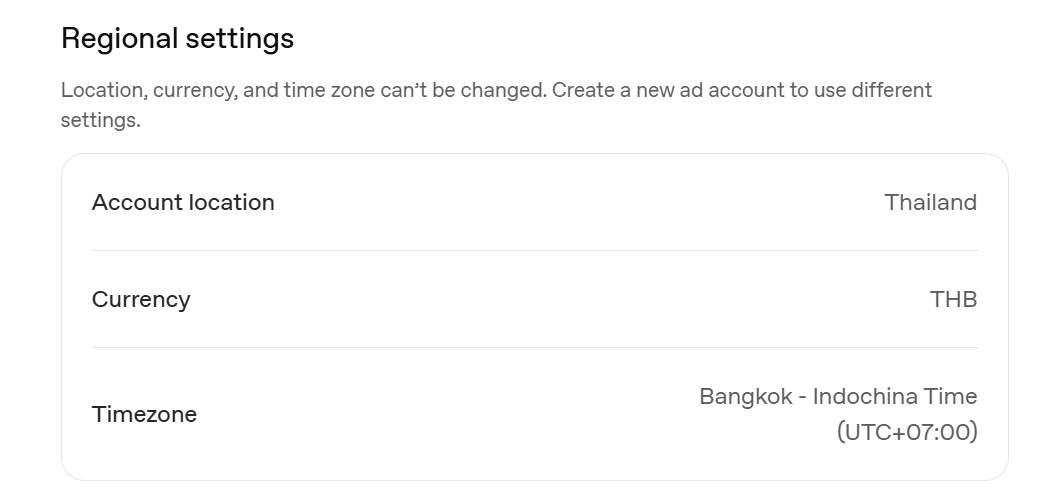
The most important decision comes first. The country, billing currency and time zone you pick when creating the account can’t be changed afterwards. If any are wrong, the fix is a new advertiser account. For a Thai business, that means Thailand, THB and Bangkok time, set correctly on the first attempt.
Check your website before you build anything. Every landing page needs a valid link and must not block OpenAI’s OAI-AdsBot or OAI-SearchBot user agents. If your site uses Cloudflare’s bot controls or a WordPress security plugin, confirm neither is blocking OpenAI’s crawlers.
How do you set up a ChatGPT Ads account?
Setup takes four steps. Ads Manager can also draft a first ad and campaign from your website during sign-up, or you can skip that and build campaigns afterwards. OpenAI’s account setup guide has more detail.
1. Create the account
Go to ads.openai.com and sign in with an OpenAI account, or create one during sign-up. Enter your business details, then your account details: country, currency and time zone.
2. Complete verification
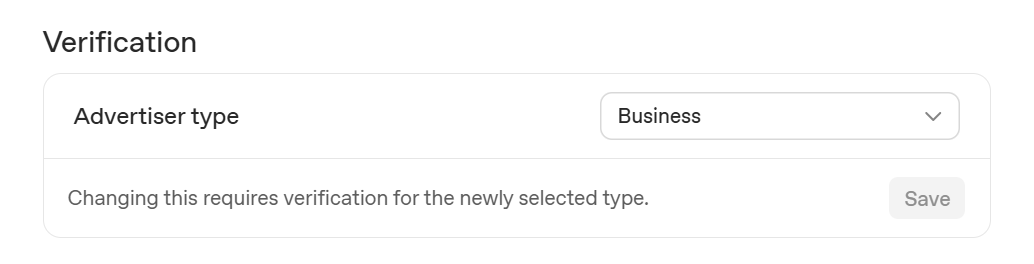
As of October 2026, Persona asks a few verification questions after the business details, and the application then joins a rolling review queue. OpenAI can’t speed up reviews, and it emails the account creator once access is granted. Don’t submit a second application while you wait. Duplicate applications don’t skip the queue.
3. Set your brand name and logo
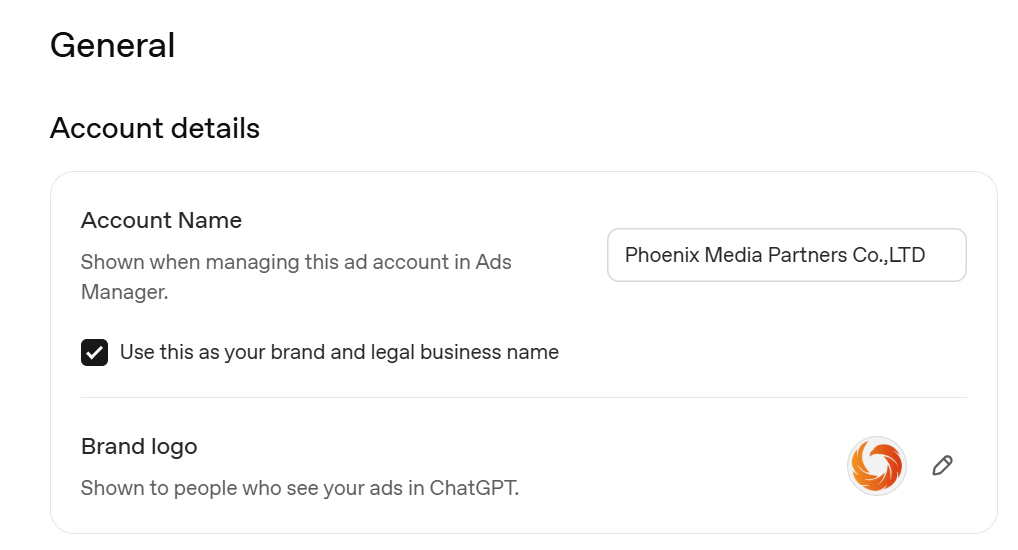
When access is granted, go to Settings, then General. Ads Manager keeps three names: Account Name (internal only), Brand Name (shown on your ads) and Legal Name (your registered company name, used for billing and verification). Check the logo and Brand Name are exactly how you want them to appear before your first campaign goes live. Changing the Brand Name later pauses your ads until it’s re-approved.
4. Add billing
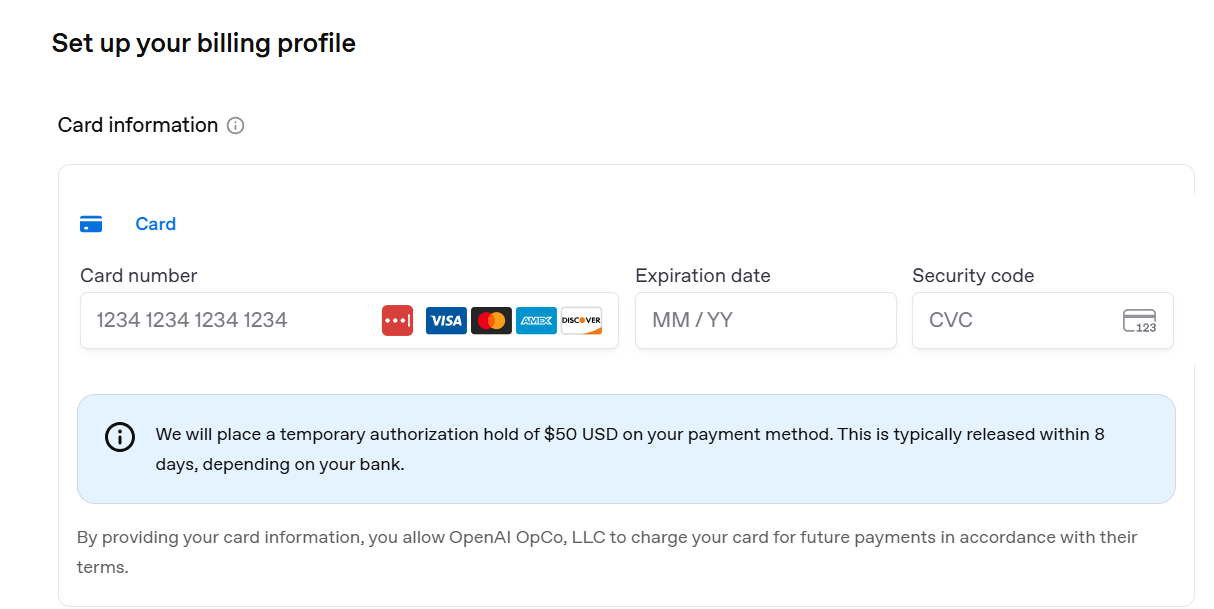
Create a billing profile with your business name, invoice email and billing address, then add a credit card. Campaigns won’t deliver until both parts are complete.
How do agencies get access to a client’s account?
The client should create the account and invite the agency. The account’s legal name and billing have to be the client’s own, so it’s cleanest for the client to own it from day one. The account owner invites people from Settings, then Users, then Invite, by entering their email address.
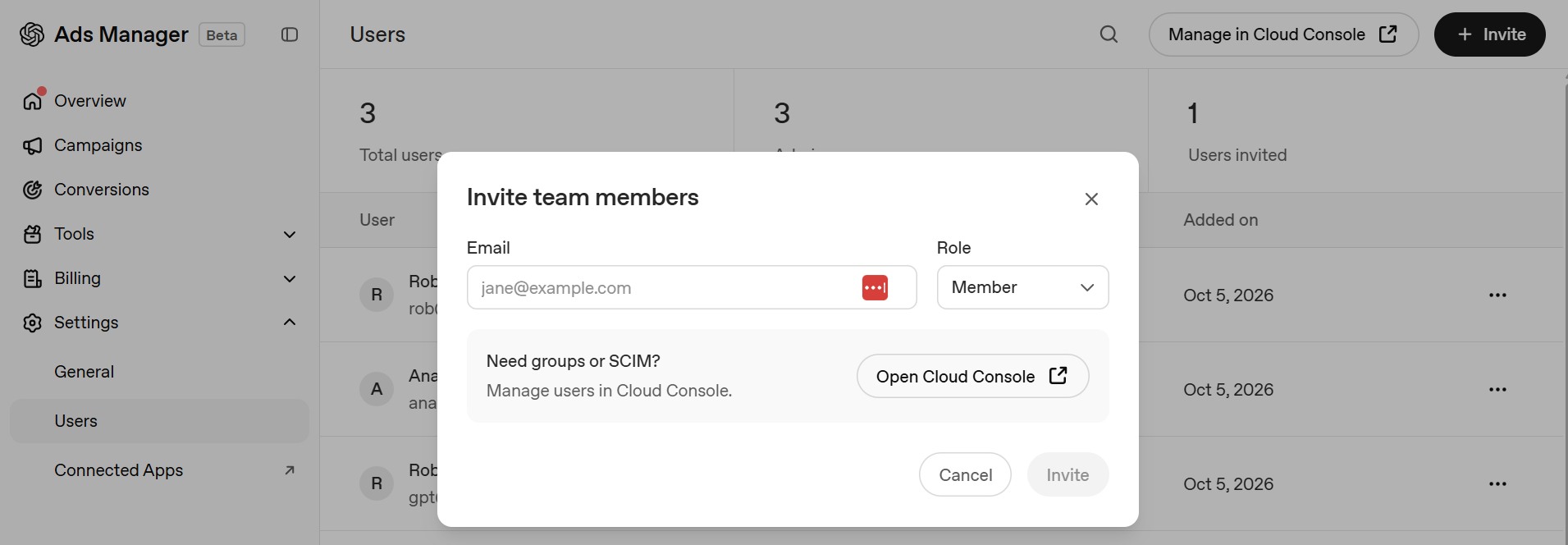
There are three roles per ad account, explained in OpenAI’s identity and access guide. Admins manage the account and who can access it. Members can work on campaigns without full admin rights. Viewers have read-only access. Every account must keep at least one admin. Our recommendation is that the client stays admin and gives the agency Member access. The client keeps control of access, and the agency can still build and edit campaigns.
This is different from Google Ads, where agencies link client accounts under one manager account. On ChatGPT, each client account is separate. Agencies with many clients should also know that once a person belongs to 10 ad accounts, counting ones they were invited to, they can’t create another themselves, although they can still be invited to more.
How do you build your first ChatGPT Ads campaign?
A campaign sets the objective, budget and targeting. Ad groups sit inside it, and the ads sit inside the ad groups.
Campaign settings
There are three objectives: Views, billed per 1,000 impressions; Clicks, billed per valid click; and Conversions, which optimises for an event but still bills per click or impression. Choose carefully, because the objective can’t be changed later. A different objective means a new campaign.
You can also choose platforms: Android app, Android web, desktop web, iOS app and iOS web. Full settings are in OpenAI’s campaign guide.
How much do ChatGPT Ads cost in Thailand?
The minimum daily budget for THB accounts is 33 baht, so a test campaign costs very little. Daily budgets work like Google Ads but on a shorter cycle. Spend on any single day can reach twice the daily budget, as on Google, but the cap resets weekly rather than monthly: the budget week runs Sunday to Saturday, capped at seven times the daily amount. To work out what you can afford per lead before setting a budget, use our CPA calculator.
Can you target Bangkok?
Yes. You can target Bangkok or narrow it to individual postcodes, such as 10600 for Bangkok Yai or 10700 for Bangkok Noi. Ads Manager confirms the campaign will only show in the locations you select. Type a district or postcode into the location search to see what’s available.
Postcode targeting suits businesses with a fixed service area. A delivery or pickup service can match its campaign to the postcodes it actually covers, rather than paying for clicks from across the city.
Context hints add relevance within that area. They’re short descriptions of when your ad is relevant, and OpenAI asks for specific phrases about what you offer, who it helps and when it’s useful. Hints are not exact-match keywords and don’t guarantee delivery. “Laundry service” tells the system very little. “Next-day laundry pickup for condo residents in Sathorn and Silom” names the place, the customer and the need. More on writing them is in the ad group guide.

Ads
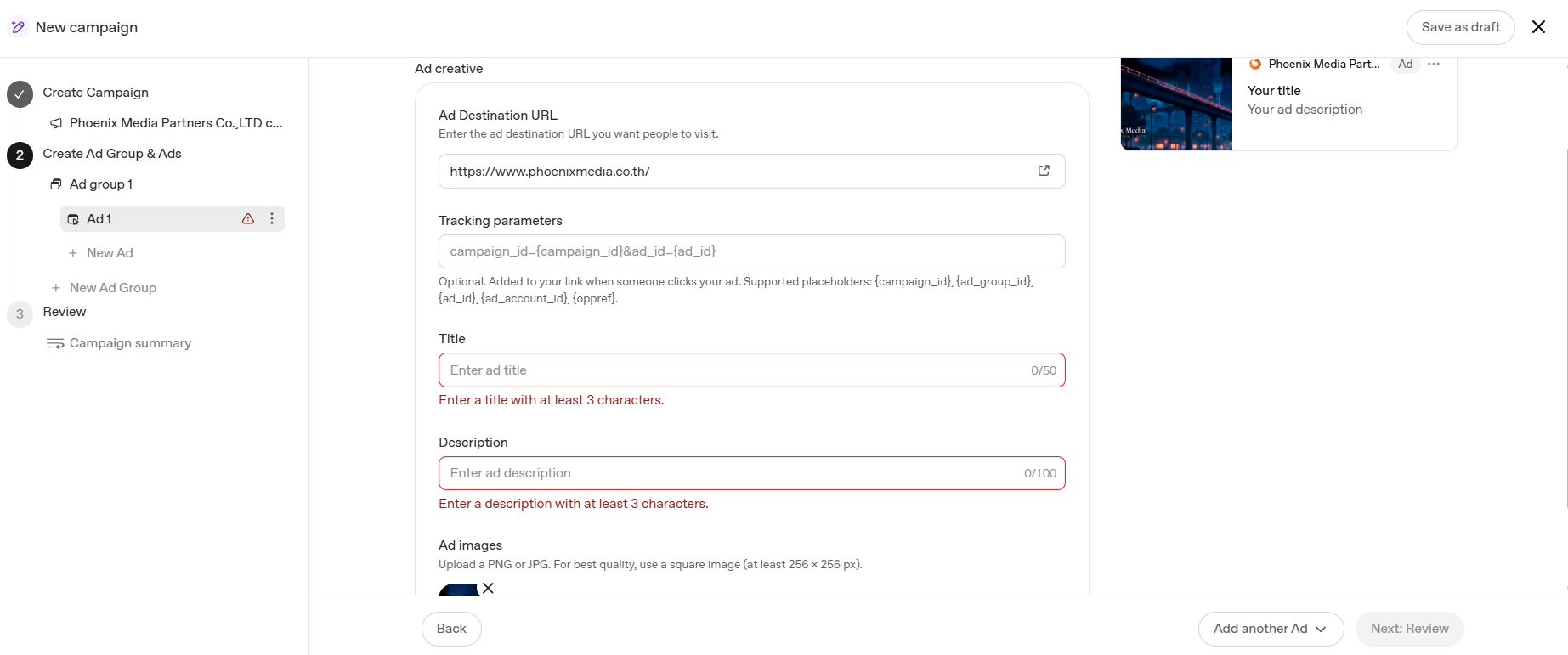
OpenAI recommends several distinct title and copy variations per offering, linking to the most relevant page rather than the homepage, and adding your own UTM parameters to each destination URL. If you’re running Thai and English ads, put them in separate ad groups. OpenAI advises a new ad group whenever the messaging or landing page differs, and a Thai ad pointing to an English page fails that test. The ad creation guide covers the rest.
Which Thai businesses can’t use ChatGPT Ads yet?
Several of Thailand’s largest advertising categories are shut out. Under OpenAI’s ad policies, ads for health services and financial services outside the US are generally prohibited, legal services outside the US are prohibited, and ads for housing rentals or sales are prohibited outright.
In Thai terms, that rules out private hospitals and clinics (including medical tourism), insurers, lenders and investment platforms, law firms, and property ads promoting specific units. Property agents and portals can still advertise as long as neither the ad nor the landing page points to a specific listing. Gambling, alcohol and political content are also disallowed, and a business whose main offering falls in a restricted category may be refused even if a specific ad complies.
Should your business advertise on ChatGPT now?
For most eligible Thai consumer businesses, a small test is worth running. A 33-baht daily minimum makes it cheap to try. Three factors decide whether it suits you:
- You sell abroad: new self-serve accounts may only be able to advertise in their home country until verification is approved and a required level of spend has been reached there. Hotels and tour operators targeting travellers before they arrive may have to start with domestic campaigns.
- You sell to businesses: people on company Business and Enterprise plans never see ads, so B2B reach is limited.
- You serve a small area: targeting stops at postcode level, so a single-branch business still pays to reach the whole postcode.
We’ll publish the first results from our client’s campaign in a follow-up article. If you’d like help setting up ChatGPT Ads alongside your existing Google Ads campaigns, Phoenix Media can manage both.